An encrypted diary for Windows
that only opens with your password
Snoq keeps your diary on your own PC, encrypts every entry with AES-256, and asks for no account. Free for Windows 10 and 11.
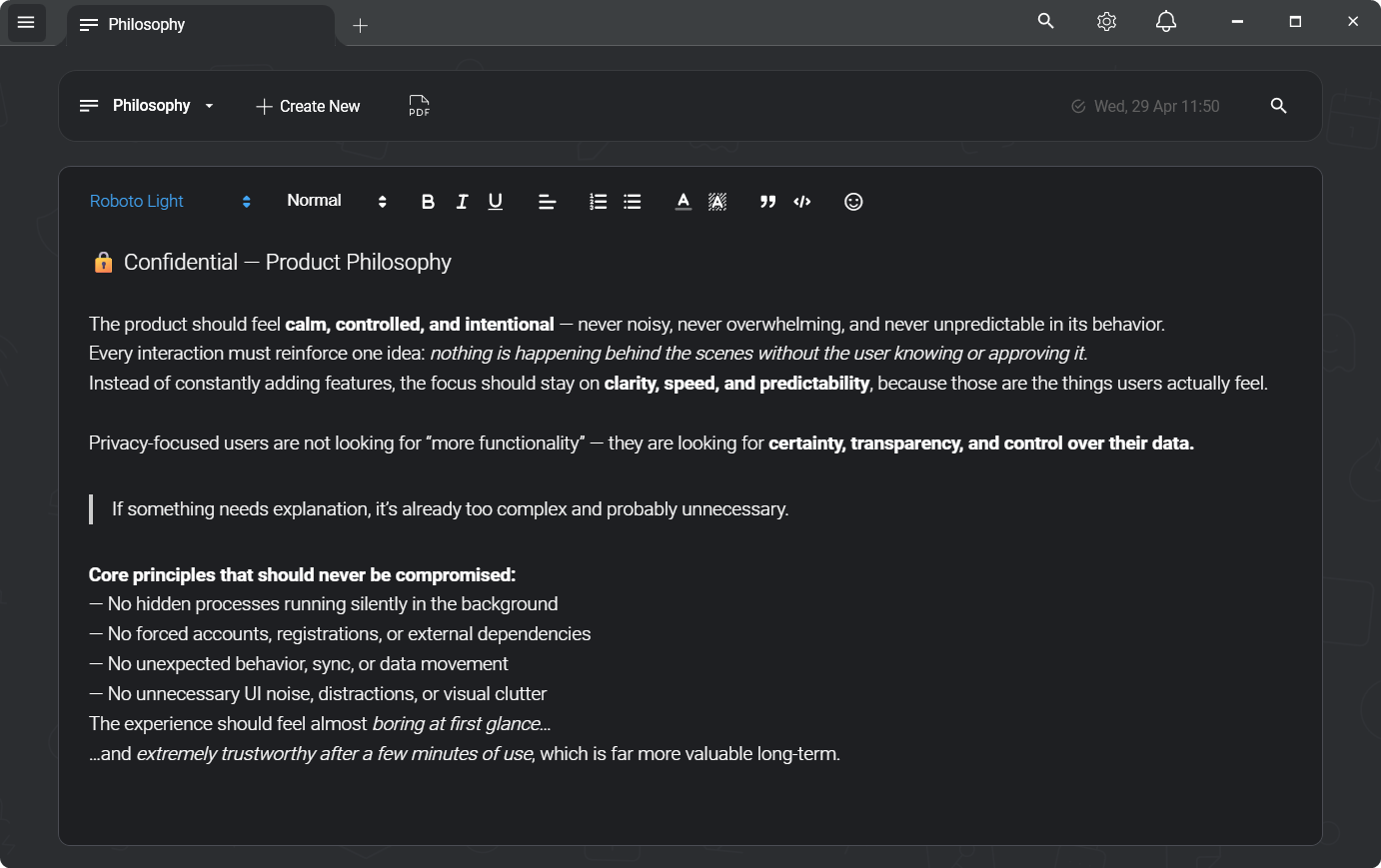
A diary is the most private thing you write
Most places people keep a diary on a computer were not made for it. A Word file with a password sits in a folder that syncs to a cloud drive. A journal app wants an email address and keeps your entries on its server. A plain text file is readable by anyone who opens the laptop.
A diary needs three things: nobody else can read it, it does not depend on a company staying in business, and writing in it is pleasant enough that you keep doing it. Snoq is a notes app built around the first two, with a proper editor for the third.
Not "bank-grade" — these exact parameters
"Encrypted" is a word every notes app uses. Here is what it means here, written out so you can check it rather than take it on trust. Applied to every note, before it is written to disk.
- Cipher
- AES-256-CBC
- Authentication
- HMAC-SHA256 (Encrypt-then-MAC)
- Key derivation
- Argon2id
- KDF parameters
- 64 MB · 3 iterations · 2 threads
- Per-note IV
- 16 bytes, random
- Key lifetime
- Memory only, zeroed on lock
- Server
- None — nothing to breach
- Recovery
- None, by design
One gap, stated plainly: note names and categories are stored unencrypted on your PC. The password protects the text of your notes.
Read the full security architectureHow to keep a diary in Snoq
1. Set a password on first launch
Snoq asks for a password the first time it starts. From then on every entry is encrypted with AES-256 before it is written to disk, and the keys are derived from your password with Argon2id. Snoq never stores the password. There is no recovery, so choose one you will remember.
2. Make a "Diary" category
Give your entries a category of their own and they stay apart from your other notes. One click filters the list to the diary.
3. One note per day, or one per month
Name a note with the date and write. Some people prefer one long note per month with a heading for each day. Both work: Snoq shows when each note was last changed, and sorts the list for you.
4. Write the way you like
It is a rich text editor, not a text box: bold, lists, quotes, colours, pictures pasted into the entry, nine fonts, adjustable text width and line height. Full screen (F11) hides everything but the page.
5. Find any day again
Search goes through the full text of every entry, not just the titles, and shows results as you type. Star the entries you want to come back to.
6. Keep a backup
Your diary lives on one PC, so back it up. Settings → Notes → Export saves all notes into one encrypted file you can put on a USB drive. Import brings them back on the same PC or a new one.
Lock it when you step away
A password at startup is not enough if the app stays open on a shared computer. Snoq locks with one keystroke (you choose the hotkey in Settings → Hot Keys), from the button in the title bar, or from the tray. Locking wipes the keys from memory, and the diary is ciphertext again until the password is typed.
Someone who copies the database file, or the whole disk, gets encrypted entries they cannot read without your password.
What Snoq is not
Snoq is a notes app that makes a good diary, not a journaling app. It has no calendar view, no daily reminders, no mood tracking and no prompts. It runs on Windows only: there is no phone app.
The password protects the text of your entries. Note names and categories are stored unencrypted on your PC, so name entries by date and keep the private part inside.
Common questions
"What happens if I forget the password?"
The diary cannot be opened. Snoq does not keep the password or a copy of the keys, and there is no reset. That is the point of the design: nobody, including us, can read it without the password.
"Is my diary uploaded anywhere?"
No. Entries are stored in a database on your PC. There is no Snoq server and no account. The app goes online to check for updates, and for the optional lofi radio while it plays.
"Is it better than a password-protected Word file?"
For a diary, yes. A Word file is one document you open and decrypt whole, and it usually sits in a folder that a cloud drive copies. Snoq keeps many entries, searches across all of them, locks with a keystroke and leaves no decrypted copy on disk.
"Can I print an entry or keep a copy outside Snoq?"
Yes. Any entry exports to PDF or plain text from the note's Export menu. Those copies are not encrypted, so treat them like any other file.
"Does it cost anything?"
No. Snoq is free, and encryption is part of the free app. Windows 10 and 11, no admin rights needed to install.
Start your diary today
Free, offline, no account. Windows 10 and 11.
Download Snoq freeWindows 10 / 11 - ~166 MB - no admin required