A notes app that opens
without asking who you are
Snoq requires no account, no email, and no signup. Install it, set a password if you want encryption, and start writing. That is the entire onboarding flow.
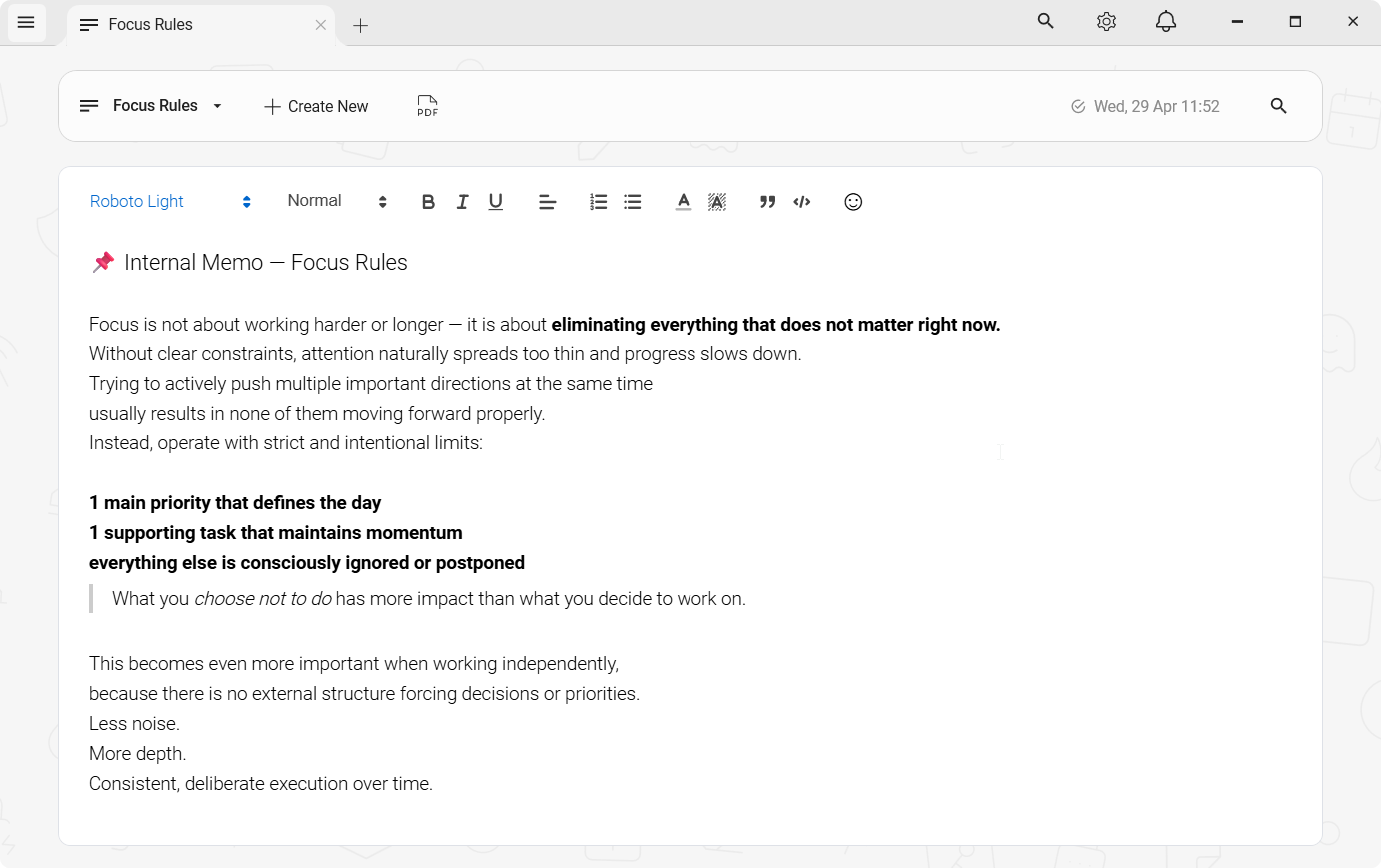
Why does a notepad need your email address?
It doesn't. But most notes apps ask for one anyway. The signup flow is how they build their user database, deliver marketing email, and gate features behind account tiers. Your email address is the price of using their product - even when the product itself is supposedly free.
Some people are fine with that. Others find it friction they shouldn't have to accept for a tool that does nothing more than save what they write. If you're in the second group, an account requirement is a blocker, not a minor inconvenience.
Not "bank-grade" — these exact parameters
"Encrypted" is a word every notes app uses. Here is what it means here, written out so you can check it rather than take it on trust. Applied to every note, before it is written to disk.
- Cipher
- AES-256-CBC
- Authentication
- HMAC-SHA256 (Encrypt-then-MAC)
- Key derivation
- Argon2id
- KDF parameters
- 64 MB · 3 iterations · 2 threads
- Per-note IV
- 16 bytes, random
- Key lifetime
- Memory only, zeroed on lock
- Server
- None — nothing to breach
- Recovery
- None, by design
One gap, stated plainly: there is no automatic lock on idle yet. You lock Snoq with a hotkey, the title-bar button or the tray.
Read the full security architectureGuest modes are not the same as no account
Some apps offer a guest mode or a local-only option without an account. But guest modes are typically limited - fewer features, no backup, a persistent nudge to sign up. The account is still the product's centre of gravity, and the guest experience makes that clear.
A notes app designed from the start without an account model is a different thing. There is no guest mode because there is no account to be a guest of. Every feature works for everyone, from the first minute.
Snoq has no concept of a user account
There is no Snoq account, no Snoq server, and no Snoq login. The app has no concept of a user identity. You install it, and it opens - a blank note, ready to write, with no interruption.
The first-launch prompt you see is an optional encryption setup: Snoq encourages you to set a local password so your notes are encrypted with AES-256. That password stays on your machine. It is not a Snoq account password. Snoq never sees it, never stores it on a server, and cannot reset it if you forget it. It is purely a local encryption key.
You can skip encryption entirely and start writing immediately. Everything works either way. The only difference is whether your local note database is encrypted or not.
What zero-account means in practice
No email address collected
Snoq does not know your email, name, or any identifying information. There is no record of you installing or using the app. You are completely anonymous by default.
No verification step
No "check your inbox" screen, no confirmation link, no SMS code. The app opens and you write. That is the full onboarding.
No marketing email
Without an email address, there is nothing to send marketing to. No newsletter, no "you haven't opened the app in a while", no re-engagement campaign.
No feature gating
Full-text search, multi-tab workspace, note categories, starred notes, PDF export, encrypted vault backup, 9 fonts, dark and light theme - all of it is there on first launch with no account required.
No telemetry
No usage analytics, no session tracking, no crash reports. Snoq has no data collection infrastructure. It does not know how you use it.
Completely free
No premium tier, no "unlock with an account" features, no subscription. The whole app is free. The no-account model is part of how that's sustainable - there's no user database to maintain.
A complete notes app, not a demo
The account-free model is not a stripped-down version of something richer. Snoq is a full rich text editor: headings, ordered and unordered lists, code blocks with syntax highlighting, links, inline images. Multiple notes open at once in browser-style tabs. Each note can belong to a category; filter by category in the sidebar. Star notes to find them quickly. Search full content - not just titles - across your entire library.
Export individual notes as formatted PDFs. Back up the entire vault as an encrypted archive and restore it on any Windows machine. Lock the app with a hotkey when you step away. Switch between 9 editor fonts. Use dark or light theme, or let Windows decide.
Reasonable questions
"If there's no account, how do I access my notes from another device?"
You export the vault as an encrypted archive and move it manually. It is not automatic, and that is the point - you control when and where the transfer happens. If automatic multi-device sync is a requirement, Snoq is not the right tool for that use case.
"How do you update the app without an account?"
Snoq updates itself silently in the background. It checks for a newer version on startup, downloads it if available, and applies it the next time you open the app. No account involved - it is just a version check against a public update endpoint.
"Why would an app be free without collecting my data?"
Snoq is built and maintained by a solo developer as part of the Fedoni app family. It shares engineering infrastructure with FTPie, the paid product that funds the ecosystem. Snoq being free is a deliberate choice - it builds trust and brings people to the developer's work. No data collection needed.
Related
Private notes app for Windows
The full privacy picture - offline, no account, no telemetry.
Offline notes app - no cloud sync
No server, no sync, no remote storage of any kind.
Snoq vs Standard Notes
Account required vs no account - and what else differs.
Snoq vs Simplenote
Both free, both simple - but one requires an account and syncs to a server.
Open it, write. Nothing in the way.
Free, no account, no email. Windows 10 and 11.
Download Snoq freeWindows 10 / 11 - ~166 MB - no admin required