A notes app that never syncs,
uploads, or phones home
Snoq is 100% offline. Your notes live on your machine. There is no server, no sync engine, no cloud storage anywhere in the picture.
Cloud sync has become the assumed default
Open a new notes app today and the first screen usually asks you to sign in or create an account. The assumption baked into most tools is that your notes need to live somewhere other than your machine - a server the company operates, a bucket in someone's cloud, a sync relay you'll never see the internals of.
For some workflows that's fine. But there are plenty of reasons someone might want their notes to stay exactly where they write them: a secure work environment with no cloud access, a machine with unreliable or metered internet, a deliberate privacy decision, or simply the preference to own their data without depending on a third party's uptime.
Not "bank-grade" — these exact parameters
"Encrypted" is a word every notes app uses. Here is what it means here, written out so you can check it rather than take it on trust. Applied to every note, before it is written to disk.
- Cipher
- AES-256-CBC
- Authentication
- HMAC-SHA256 (Encrypt-then-MAC)
- Key derivation
- Argon2id
- KDF parameters
- 64 MB · 3 iterations · 2 threads
- Per-note IV
- 16 bytes, random
- Key lifetime
- Memory only, zeroed on lock
- Server
- None — nothing to breach
- Recovery
- None, by design
One gap, stated plainly: there is no automatic lock on idle yet. You lock Snoq with a hotkey, the title-bar button or the tray.
Read the full security architecture"Offline mode" is not the same as offline-first
Many cloud notes apps offer an "offline mode" - a local cache that syncs when you reconnect. That's a resilience feature, not a privacy feature. Your notes still live on their server. The offline mode just means you can read them on a plane.
An offline-first app is different. It never had a server to begin with. There's no sync to disable, no offline mode to enable, no cached copy to worry about. The local machine is the only place your notes exist, by architecture rather than by setting.
Snoq has no server to sync to
Snoq stores all notes in a local database on your machine. There is no Snoq server, no sync engine, no cloud component. The app does one network request: checking for its own software updates. Notes are never part of any outgoing data, ever.
If you enable encryption - which Snoq prompts you to do on first launch - even that local database is unreadable without your password. Someone with physical access to your disk sees encrypted data, not your notes.
If you want to move notes between machines, you export your vault as an encrypted archive, copy it manually, and import it on the other machine. You control the transfer path. There is no automatic anything.
What offline-first looks like in practice
Works without internet
Once installed, Snoq works completely offline. Write, edit, search, and organise notes with no network connection. Update checks happen in the background and don't block anything.
No account, no signup
There is no Snoq account to create, no email to verify, no profile to manage. Install and start writing. The app has no concept of a user identity.
Local database only
Notes are stored in a local database in your user data folder. No cloud backup happens automatically. You own the only copy.
Manual vault backup
Export your entire note vault as an encrypted archive from Settings. Copy it wherever you want - USB, external drive, your own cloud storage. Import it on any Windows machine with Snoq installed.
Zero telemetry
No analytics, no crash reporting, no usage patterns. You can verify this with any network monitor - the only outbound connection is to check for software updates.
Optional AES-256 encryption
Enable encryption on first launch and your local database becomes unreadable without your password. Offline and encrypted: the privacy guarantee is layered, not either/or.
Offline does not mean stripped-down
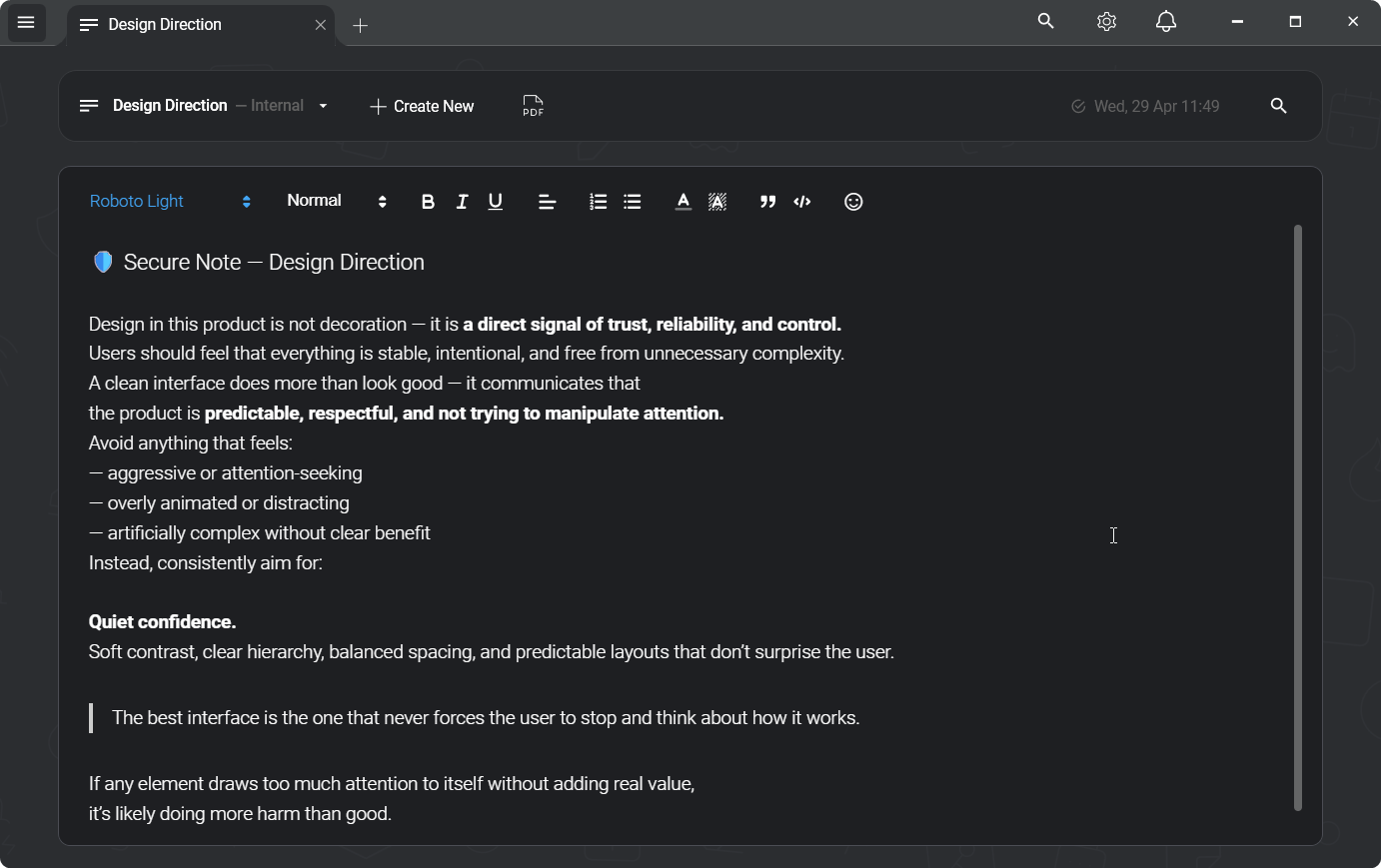
Removing cloud sync does not mean removing features. Snoq has a full rich text editor - headings, lists, code blocks, links, inline images, 9 font choices - plus multi-tab workspace, full-text search across all your notes, note categories, starred notes, PDF export, and an encrypted vault backup system.
The constraint is architectural: there is no server. Everything else a notes app should do, Snoq does.
Fair questions
"What if my hard drive fails?"
The same risk exists with any local-only tool. Snoq's encrypted vault export is the backup story - export regularly to an external drive or your own cloud storage. You control the backup; Snoq doesn't manage it for you. That's a tradeoff: you get full ownership, which means full responsibility.
"Can I access my notes from my phone?"
No. Snoq is Windows-only with no mobile companion. If multi-device access is a requirement, a syncing app like Standard Notes or Joplin is the honest answer. Snoq is for single-machine, offline-first use. See the Joplin comparison if you're deciding between the two models.
"Is it truly offline or does it require internet to activate?"
Truly offline. No activation, no license check, no first-run call home. Install from the downloaded installer and it works immediately with no network connection at all. Snoq is free with no licensing infrastructure.
Related
Encrypted notes app for Windows
AES-256 encryption on top of the offline storage.
Notes app without an account
No signup, no email, no profile required.
Snoq vs Joplin
Local-only vs sync-optional - two approaches to offline notes.
Snoq vs Obsidian
Both local-first - but very different tools with different philosophies.
Notes that stay on your machine
Free, no account, works offline. Windows 10 and 11.
Download Snoq freeWindows 10 / 11 - ~166 MB - no admin required