A private notes app for Windows
where privacy is the design, not a setting
Snoq is offline, encrypted, account-free, and zero-telemetry. Privacy is not a checkbox on a settings page - it is what the product is built around.
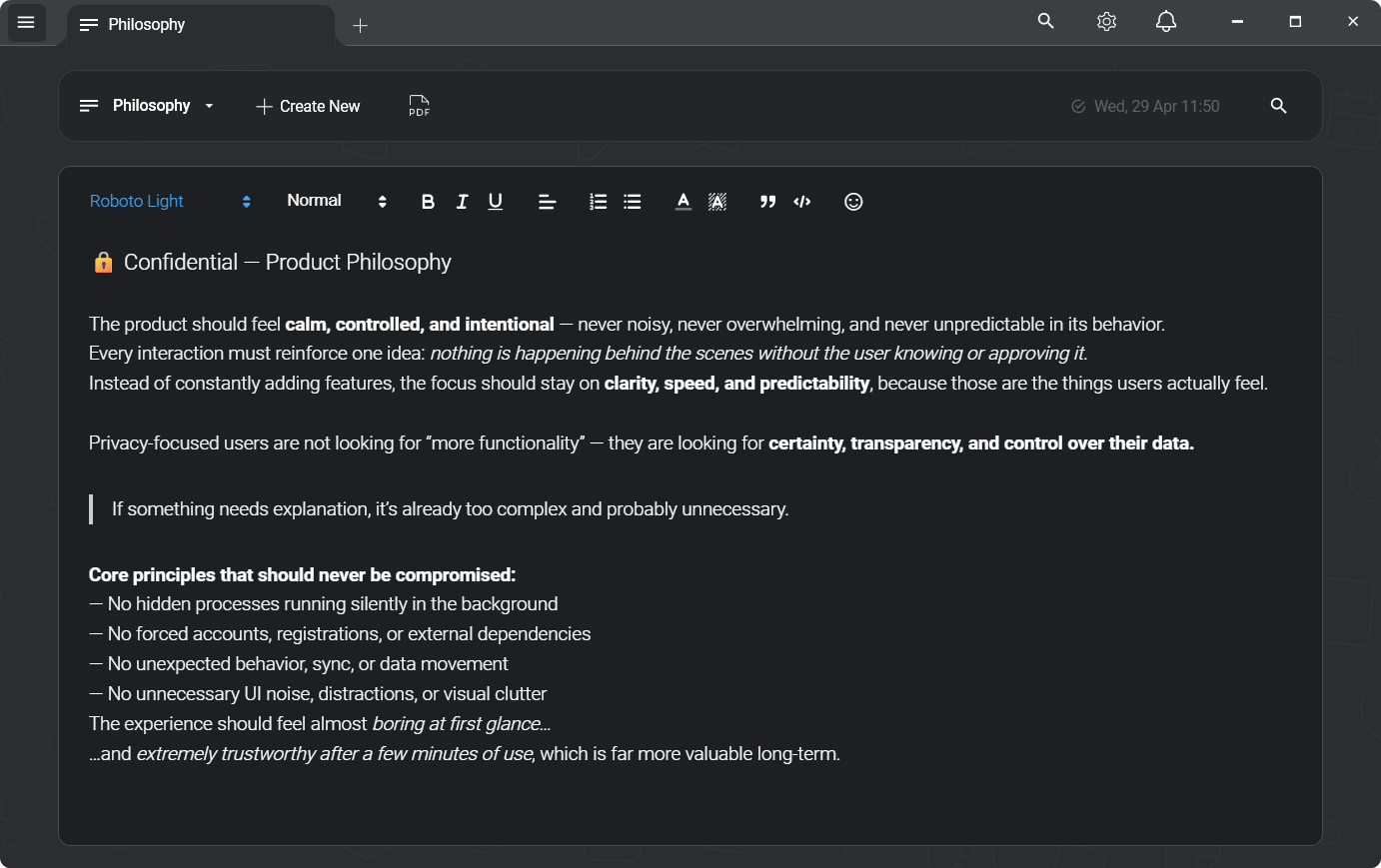
Privacy in most apps means a toggle buried in settings
Most productivity tools are built for the cloud and privacy is layered on top: an "incognito mode", an analytics opt-out, a data export button buried in account settings. The default state sends data to a server, tracks usage, and markets to you. Privacy is what you get if you spend 20 minutes clicking through settings.
For personal writing - journals, private thoughts, sensitive work notes - that model is backwards. The private version should be the default, not a configuration you opt into after signup.
Not "bank-grade" — these exact parameters
"Encrypted" is a word every notes app uses. Here is what it means here, written out so you can check it rather than take it on trust. Applied to every note, before it is written to disk.
- Cipher
- AES-256-CBC
- Authentication
- HMAC-SHA256 (Encrypt-then-MAC)
- Key derivation
- Argon2id
- KDF parameters
- 64 MB · 3 iterations · 2 threads
- Per-note IV
- 16 bytes, random
- Key lifetime
- Memory only, zeroed on lock
- Server
- None — nothing to breach
- Recovery
- None, by design
One gap, stated plainly: there is no automatic lock on idle yet. You lock Snoq with a hotkey, the title-bar button or the tray.
Read the full security architectureWhat makes Snoq private - and why each part matters
Local-only storage
Notes are stored in a local database on your machine. There is no Snoq server, no sync infrastructure, no cloud component. Notes cannot be accessed remotely because there is nowhere remote to access them from. This is the strongest possible data residency guarantee - architectural, not contractual.
AES-256 encryption at rest
When you enable encryption - prompted on first launch - every note is encrypted with AES-256-CBC and authenticated with HMAC-SHA256 before it touches disk. Your password never leaves your machine; it derives the encryption keys via Argon2id. Someone with your hard drive sees ciphertext, not notes. The encryption is local, with no server in the key management chain.
No account, no identity
Snoq does not know who you are. No email, no name, no device ID, no usage profile. There is no Snoq account to compromise, subpoena, or breach. You are completely anonymous by default - not because of a privacy setting, but because there is no identity infrastructure to collect from.
Zero telemetry
No analytics, no crash reports, no usage tracking, no session data. The only outbound network request Snoq makes is a version check for software updates. You can verify this with a network monitor. The developer does not know how often you open the app, what you write, or whether you use dark mode.
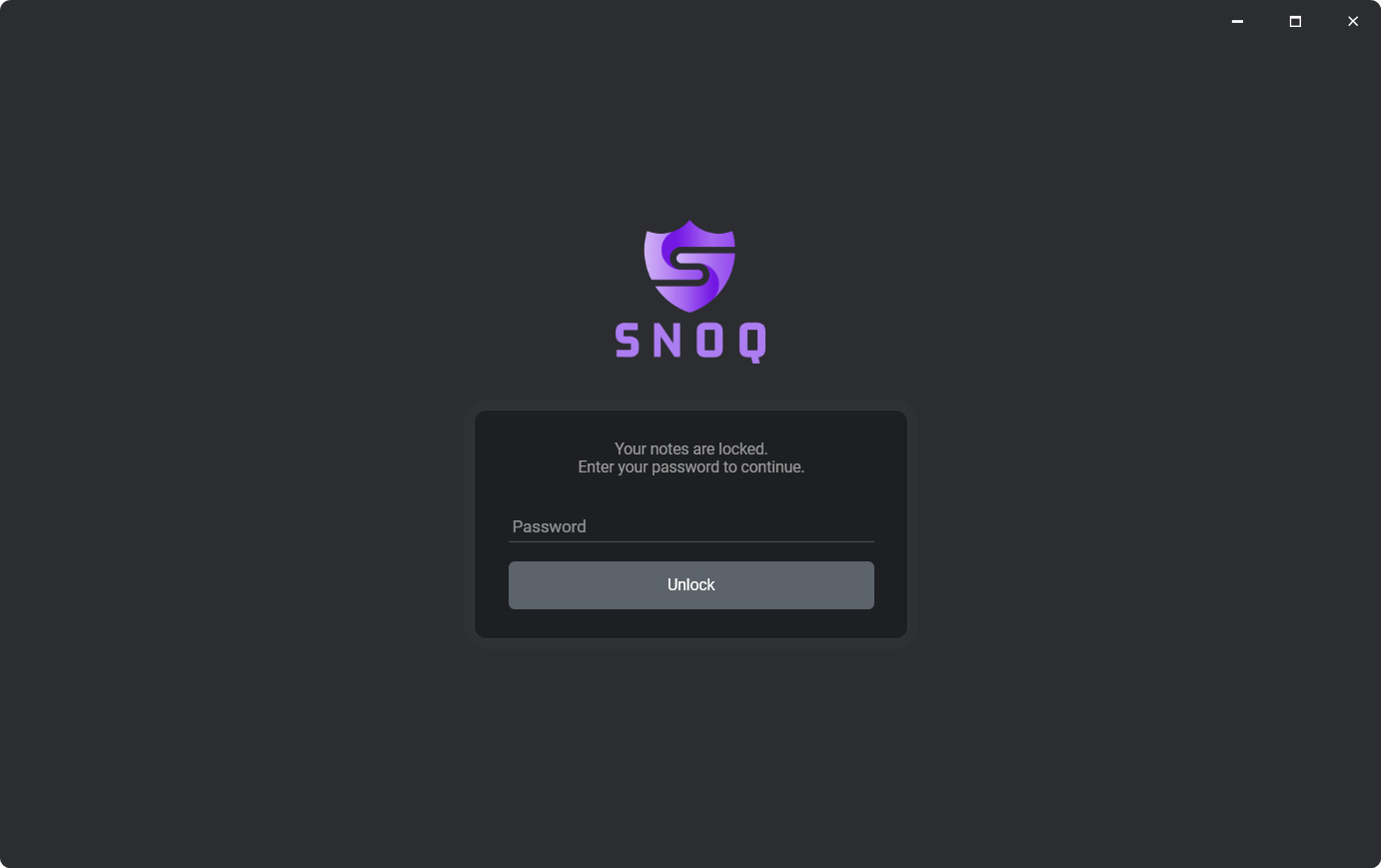
Lock your notes instantly when you step away
When encryption is enabled, Snoq keeps your keys in memory until you lock the app. Lock it with a single keystroke - the global hotkey you set in Settings → Hot Keys, or the lock button in the window title bar next to the close button, or from the system tray popup. Once locked, the keys are zeroed immediately. Anyone who picks up your keyboard sees a password prompt, not your notes.
There is no idle auto-lock yet - you lock when you decide to. The hotkey makes that fast enough that it becomes a habit, the same way you lock your screen before walking away from your desk.
Private does not mean minimal
Snoq is a complete rich text editor. Headings, lists, code blocks, links, inline images. Multi-tab workspace - open several notes simultaneously. Full-text search across every note. Note categories for organisation. Starred notes. PDF export. Encrypted vault backup and restore. Nine editor fonts. Dark and light theme. Spellcheck toggle.
None of it is behind a paywall. None of it requires an account. All of it is available offline. The full product is free, always.
Common questions
"How private is it really? It's a closed-source app."
Fair concern. Snoq is not open source. The privacy claims rest on architecture - local-only storage, no network calls beyond update checks - which anyone can verify with a network monitor. The encryption implementation is documented in full on the /encryption page: algorithms, parameters, ciphertext layout, unlock flow. If you need open-source auditability, Joplin or Standard Notes are honest alternatives. See the Joplin comparison.
"What about Windows itself? Doesn't it have access to my data?"
Yes, the operating system has access to your disk. Snoq's encryption protects note content from other applications and users on the same machine, from theft of the physical drive, and from cloud backup services that sync your files. It does not protect against a compromised operating system. No user-space app can. The threat model Snoq addresses is a stolen laptop, a shared machine, or a cloud provider getting hold of your files - not a fully compromised Windows installation.
"Does it work on Windows 10 or just Windows 11?"
Both. Windows 10 and Windows 11 are fully supported. No admin rights required to install - Snoq installs to your user folder.
Related
Encrypted notes app for Windows
Deep dive into the AES-256 + Argon2id encryption model.
Offline notes - no cloud sync
The case for offline-first vs offline-mode.
Snoq vs Obsidian
Both local-first - but Obsidian stores plaintext; Snoq encrypts.
How Snoq encrypts your notes
Full technical detail for the security-minded reader.
Write privately, from the first note
Free, offline, no account. Windows 10 and 11.
Download Snoq freeWindows 10 / 11 - ~166 MB - no admin required